 Minium
Your books. Your place. Even as stories grow.
Read your own ebooks, PDFs and CBZ comics offline. Save the passages you love and keep your place, even when a story gains chapters.
No account. No tracking. Just reading.


Stories that keep growing
A new chapter shouldn’t mean starting over.
Reading a book that’s still being written?
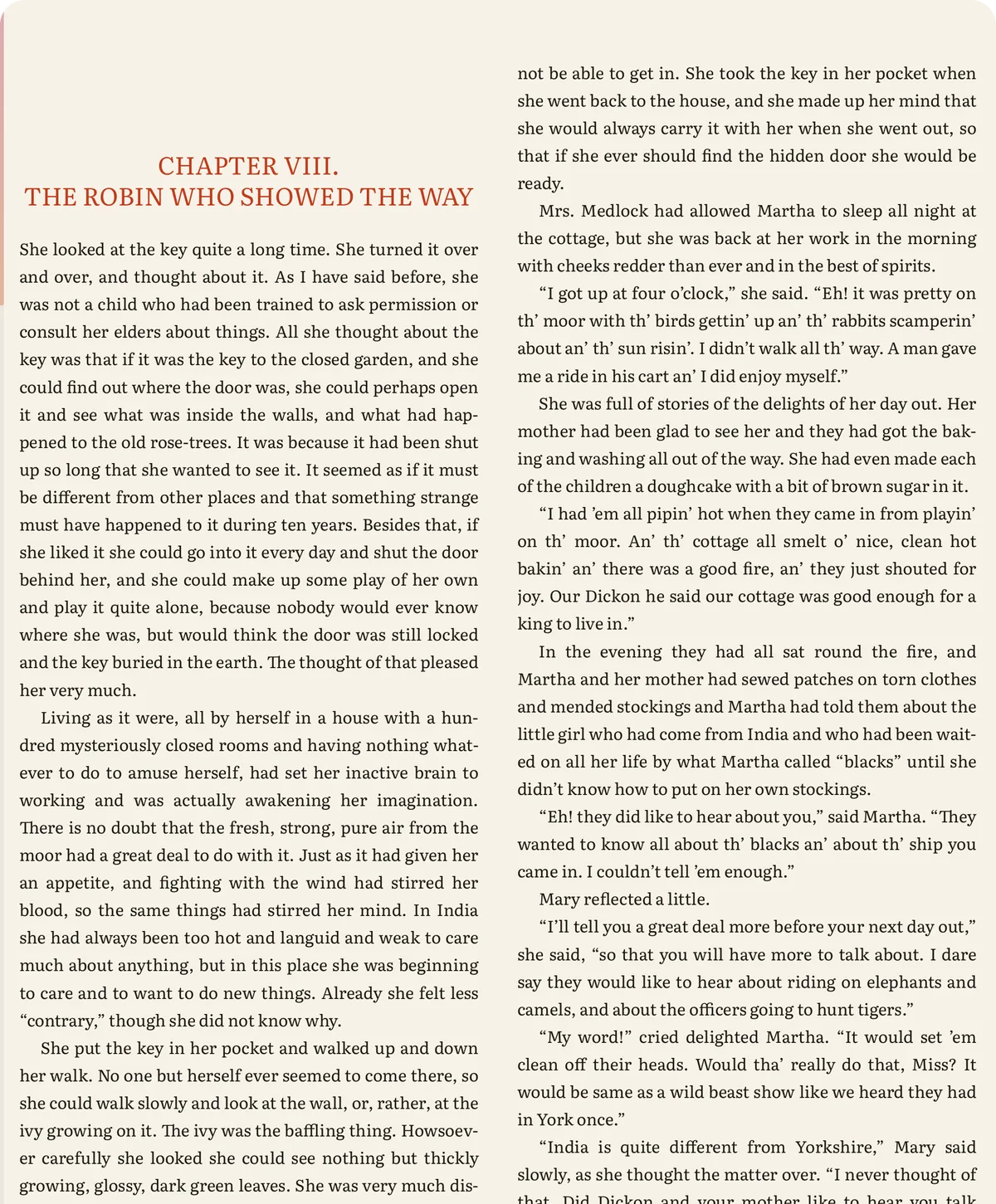
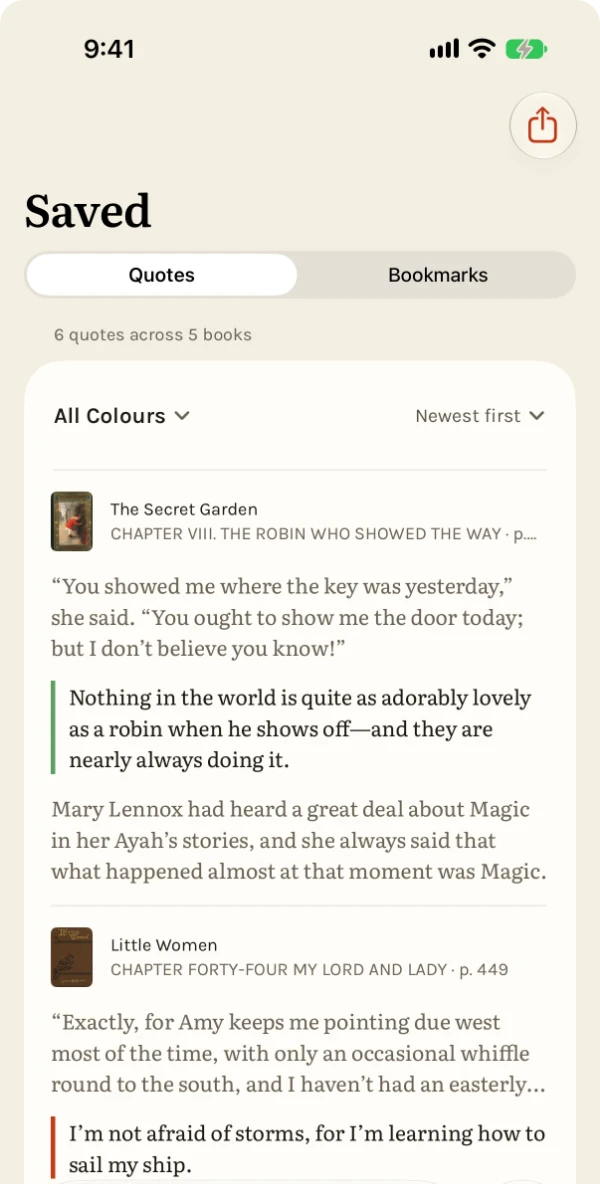
Minium remembers more than the file. When you bring in an updated version, whether the older copy is still on your shelf or you removed it, Minium can recognize the book, recover your place and quotes, and help you find newly added chapters.
A book still on your shelf asks first, by default: choose Merge, and its bookmarks and collections come along too.
Bring the updated file yourself. Minium takes care of recovering your reading history when it can match the book.
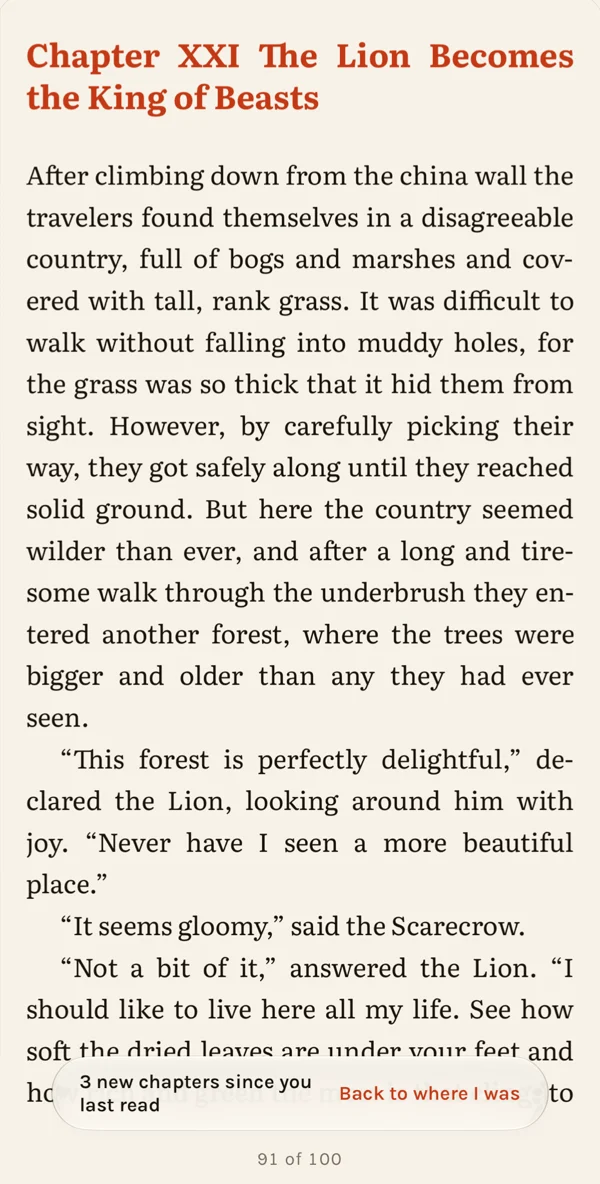
Return to the story
Forgot what happened? Catch up before reading on.
Back to a book after a break? Minium can recap the chapters you’ve finished and remind you where you left off, so you can pick up the story without starting over.
Recaps need a device with Apple Intelligence turned on and a book in a language it supports. They’re written for EPUB, FB2 and Kindle books, and you can turn them off in Settings.
- Written on your device. Recaps are AI‑generated by Apple Intelligence on your iPhone or iPad, and they stay there.
- Only what you’ve read. A recap draws on the chapters you’ve finished, nothing further on.
- A reminder, not the book. A recap can miss or mix up details.
Other reasons to choose Minium
A quieter page
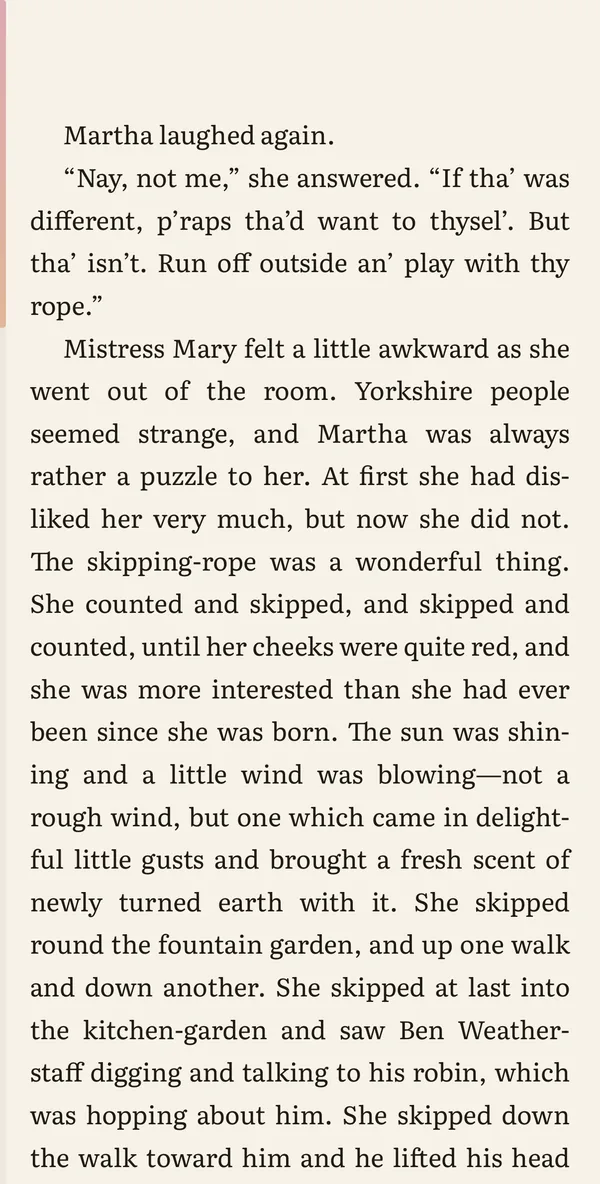
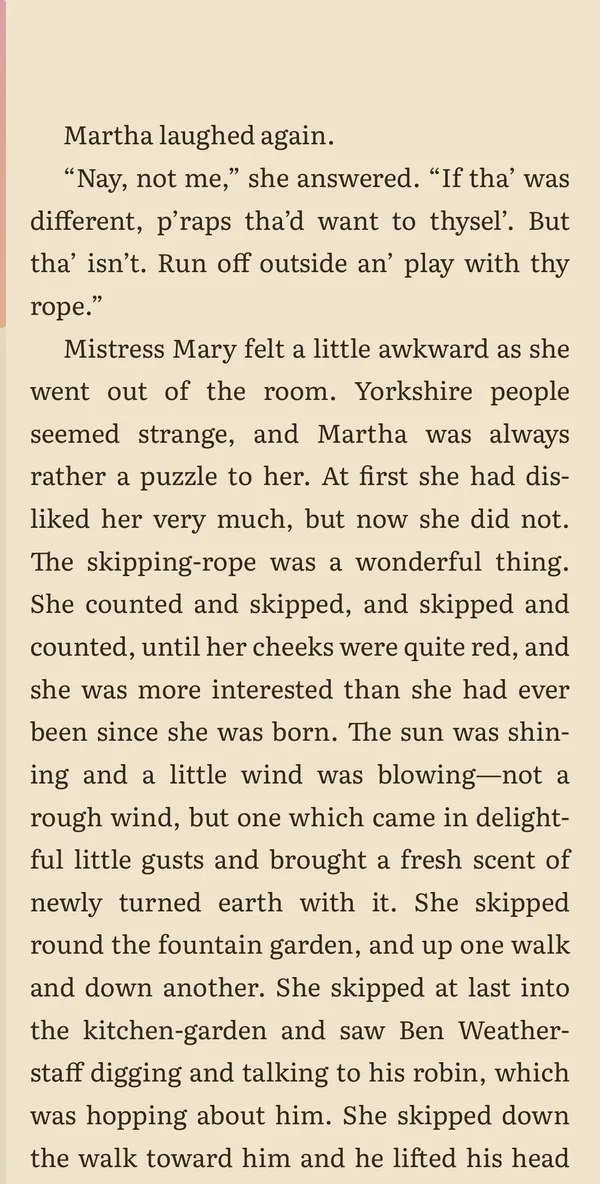
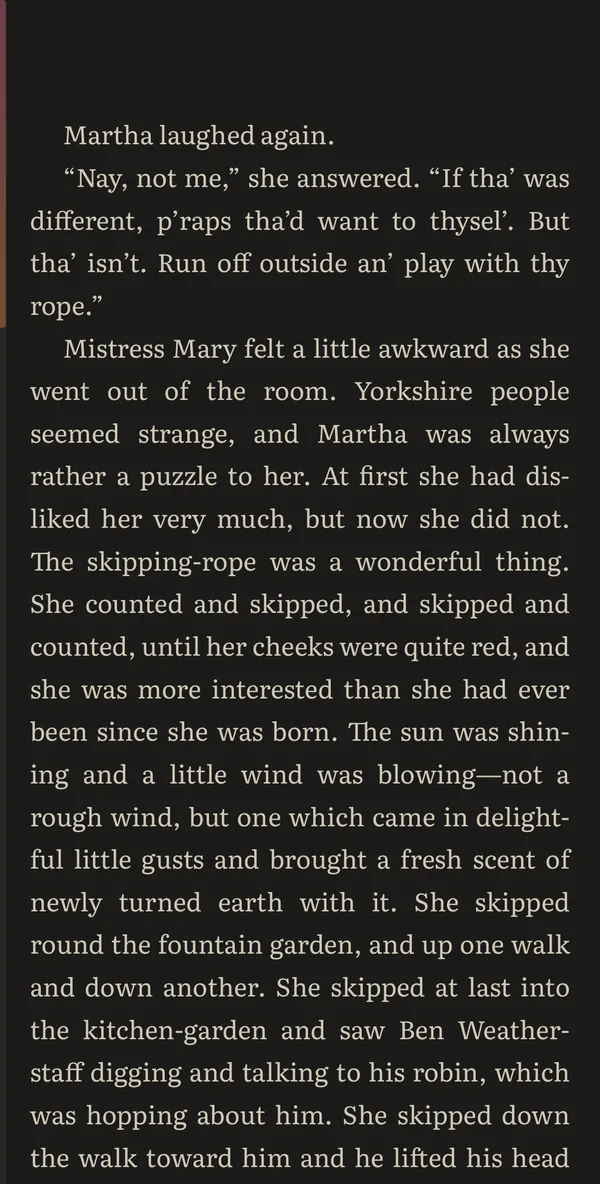
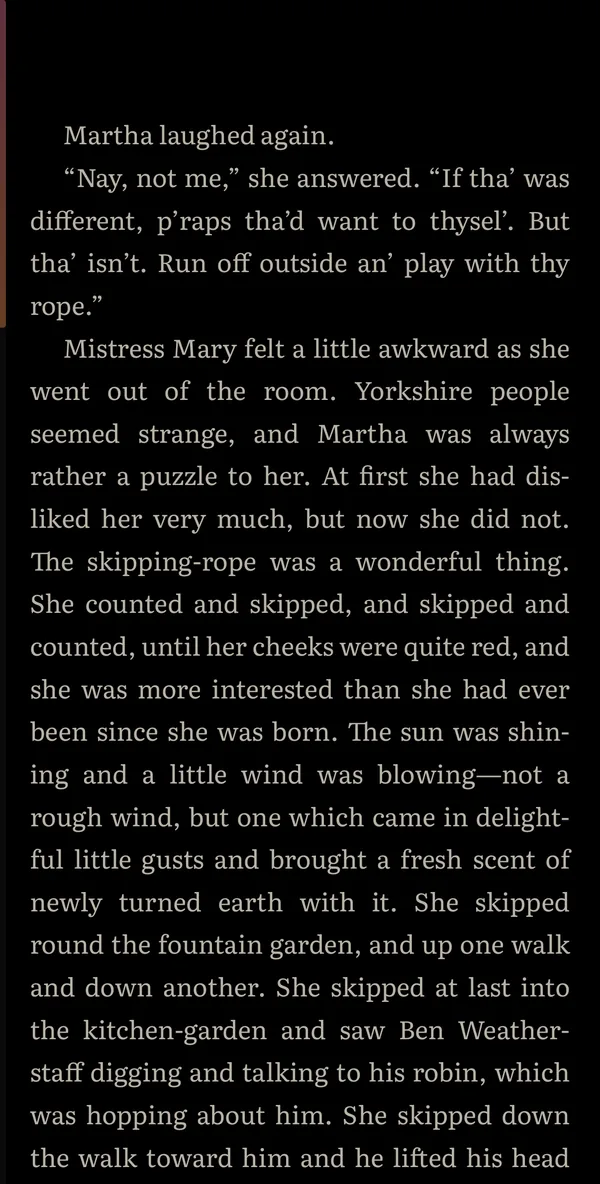
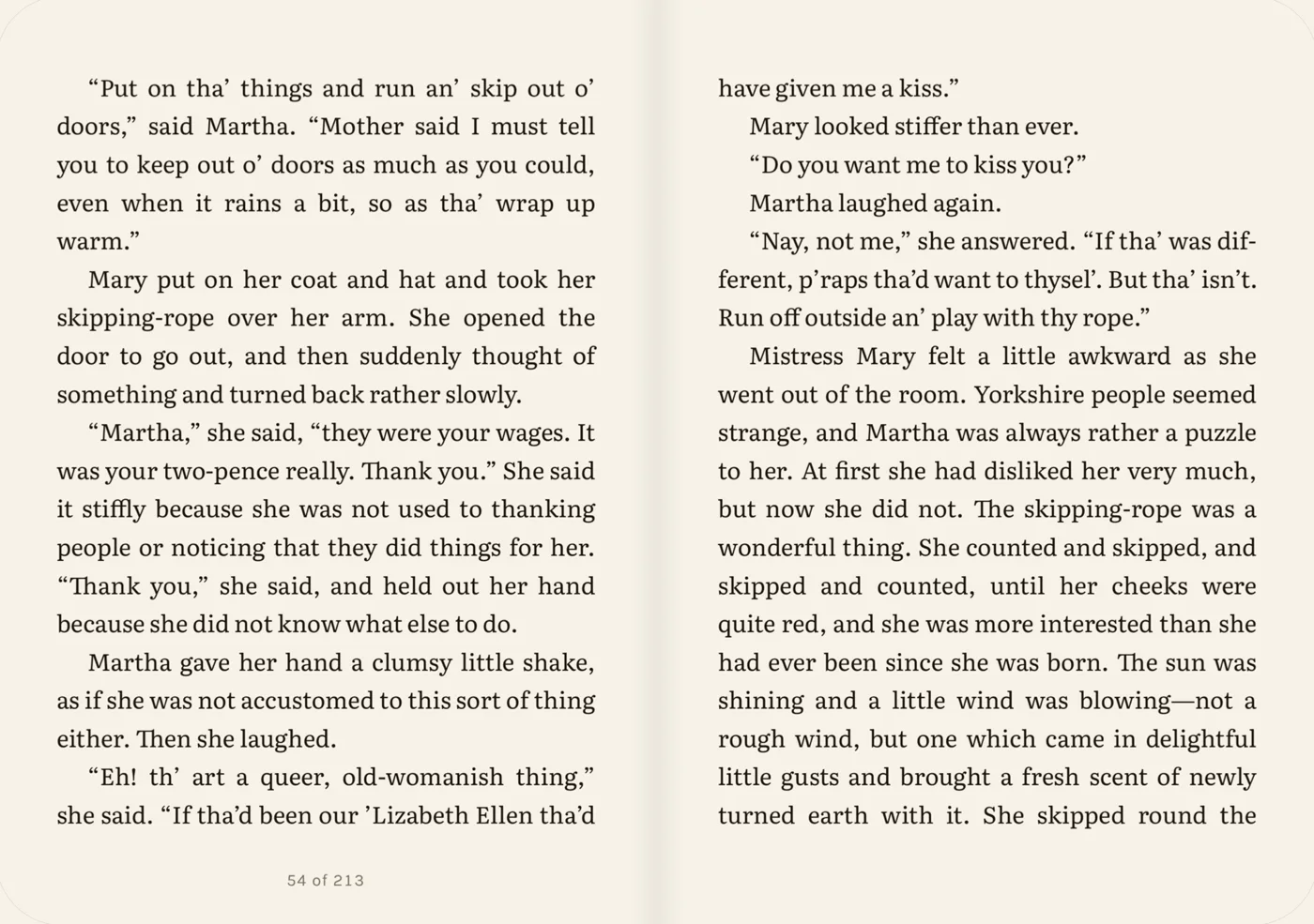
Thoughtful typography, four themes and six page-turn styles. Make the reading experience yours.
Minium opens straight to your book, with no toolbars, badges or suggestions. A thin line at the edge shows how far you are, and a tap in the middle brings the controls back.
Choose from nine typefaces, among them Literata, Atkinson Hyperlegible Next and Andika, and set the size, spacing and margins once. Pick a theme for light and one for dark, and Minium switches with your device. Turn pages with Slide, Curl, Cover, Fade, Vertical or Scroll.
Your library stays yours
Bring EPUB, FB2, PDF and CBZ comic files, or DRM-free MOBI and AZW3. Read offline, without an account or subscription.
Add books from Files, iCloud Drive or the share sheet, or several at once from Files, ZIP archives included. The Library starts on Not Finished: the books you’re reading and the ones you haven’t started. Pick another view and it stays.
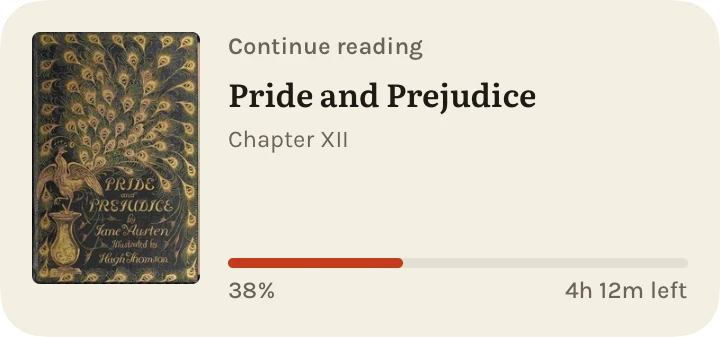
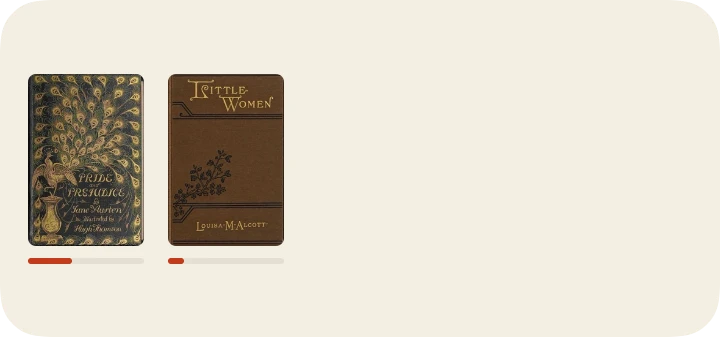
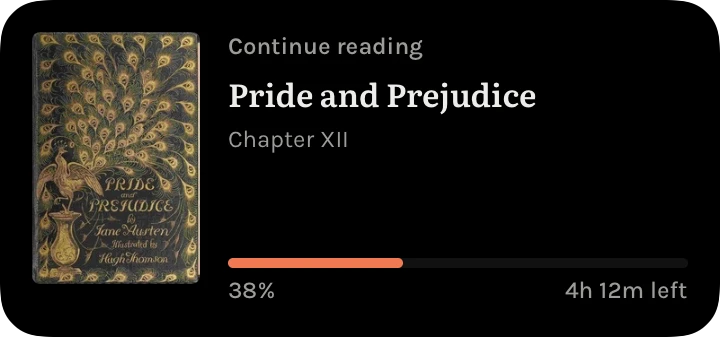
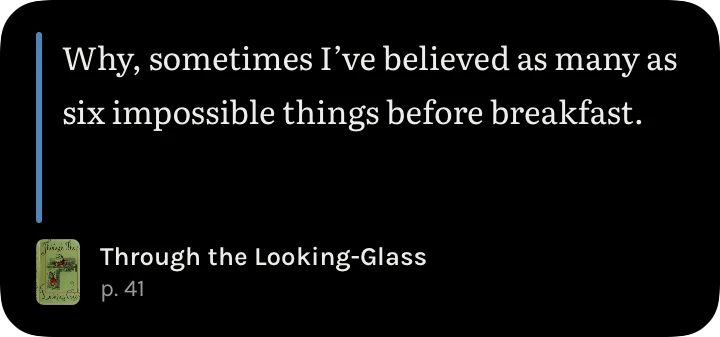
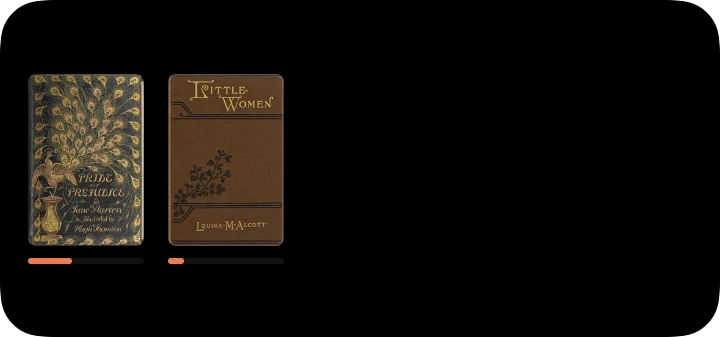
Three Home Screen widgets keep your book a glance away: Continue picks up where you left off, Quote shows a saved passage, and Reading Now shows the books you’re in the middle of.
Keep the words that matter
Save quotes, add bookmarks, organize collections and return to your favorite passages.
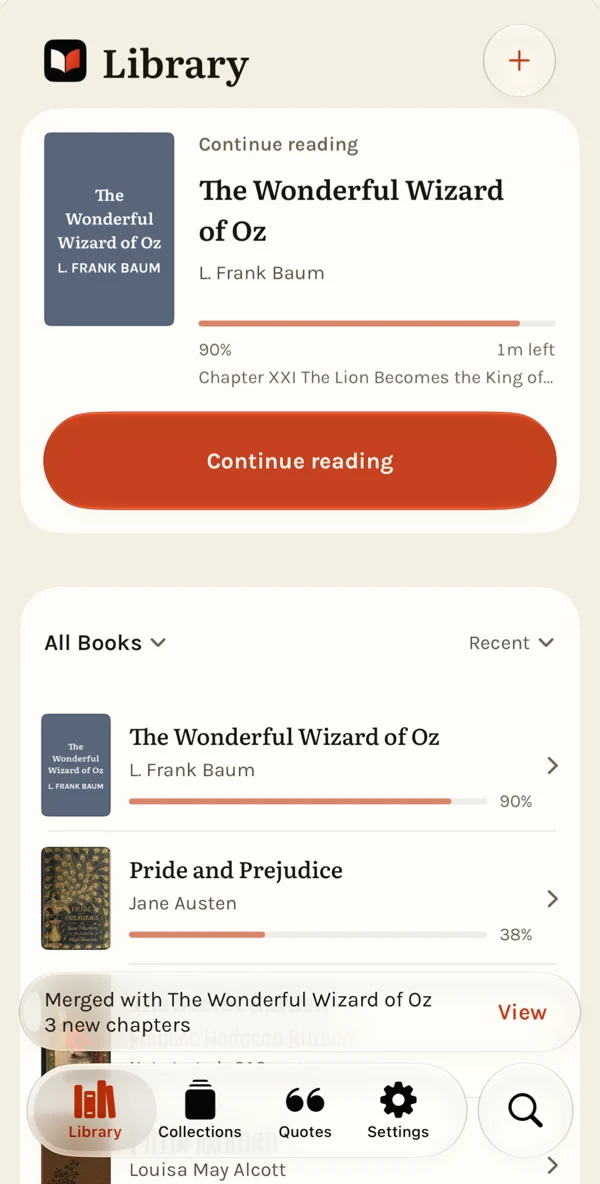
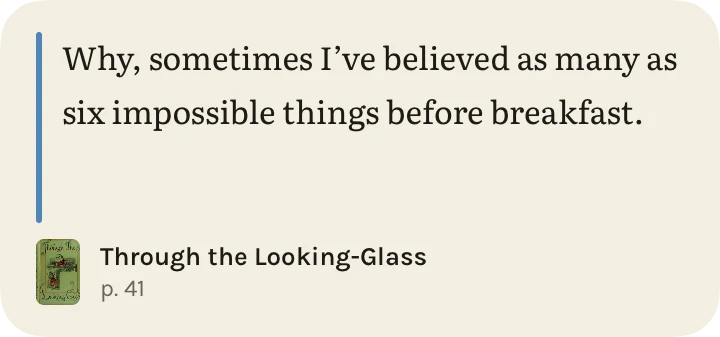
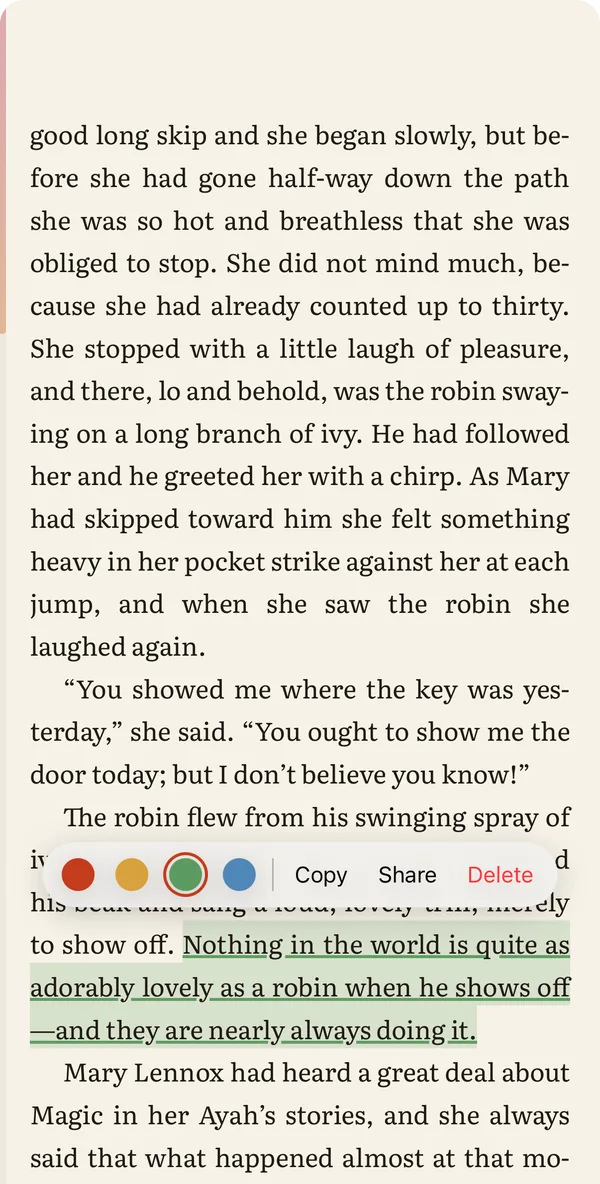
Select a few lines and save them as a quote. Every quote keeps its book, chapter and page, so you can always go back to where it lives. Search your library and quotes, or search inside the book you’re reading.
Private by design
No advertising, analytics or tracking. Your books and reading history stay on your device.
- No account. Nothing to sign up for, nothing to sign in to.
- No tracking. No analytics, no advertising, no crash reporting and no third-party tracking code.
- Your books stay on your device. Minium has no server. Your books, quotes, reading positions and recaps are never uploaded.
- Nothing collected. The App Store label reads “Data Not Collected”, and this website has no cookies, no tracking, no third-party code.
Your books. Your place. No subscriptions. Ever.
Minium is built for reading, not recurring payments. Bring your own books, read offline, and keep your favorite passages.
Extras are optional one-time purchases, like the Founders Pack: four illustrated app icons for your Home Screen. Every reading feature works without it.
Made by one person
Minium is designed and built by one independent developer. It’s a small app with a single aim: to be a calm, private place to read.
Questions or ideas? The support page has answers and a way to get in touch.